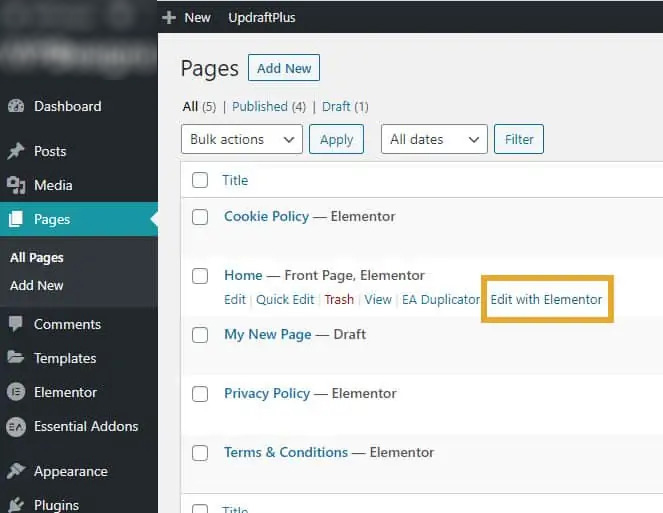
The first step, as with many WordPress steps, is to start on the dashboard and navigate to the page you want to edit.
To add, edit and delete text in Elementor, you need to access the page’s back end. This can be done in several ways.
Open up the page you would like to add your text to
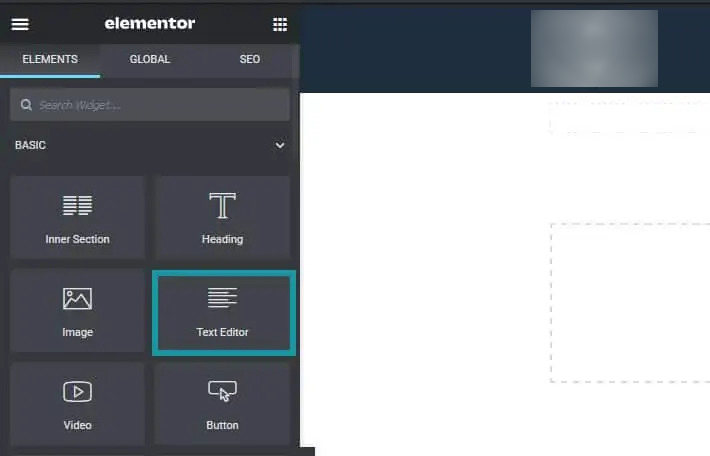
Once the web page loads and you have access to the editor, click the icon that looks like 9 small boxes located on the right of the Elementor title on the left-hand side of the page.
Open the Elementor widgets tab
This is where you’ll find the heading widget. To position the heading, simply drag and drop the widget into the correct spot on the website.
Find the text widget
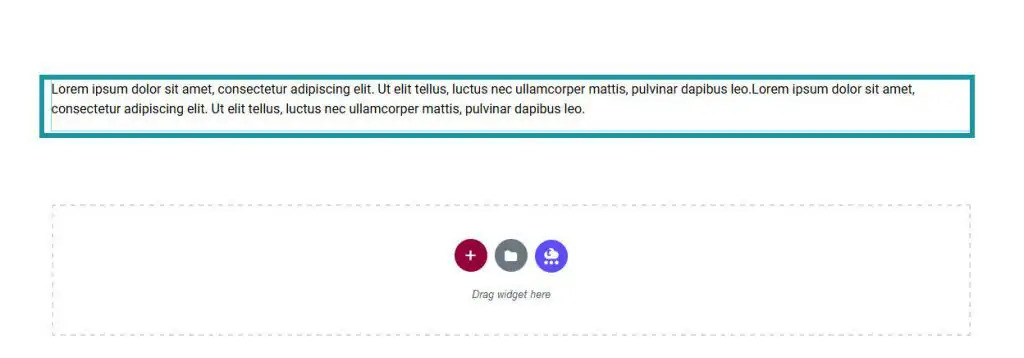
Drag it into the location you need
How to Edit Text in Elementor
Editing text on your website is key to keeping your website up to date; a website with outdated content can lead to the wrong information being given to visitors, giving them a bad impression of you and your business.
Making sure that you know how to edit and what you can do will, go a long way to ensuring your WordPress website is up to date with the latest content.
As with the section on adding the widget, you’ll need to make sure you have opened the Elementor editor’s page. From here, you’ll need to click and select the text element on the page that you would like to change and edit. Click the element, and it will open a box on the left-hand side of the page.
From this box, you can change the content, edit the style, and access advanced features such as animations and responsiveness options.
You can edit the text and other options here
How to Delete Text in Elementor
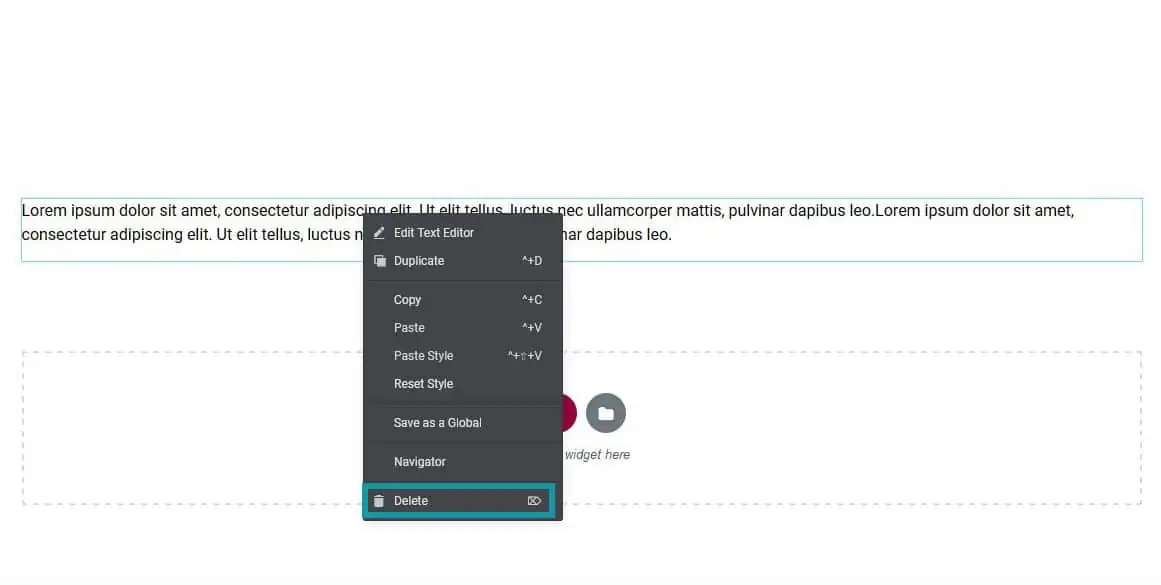
To delete the widget, just right-click on it on the page and select Delete from the menu. Then click Update / Save Changes or Publish and the widget will be successfully removed.
Find the element to delete, right click and click delete. Update the page after to save changes