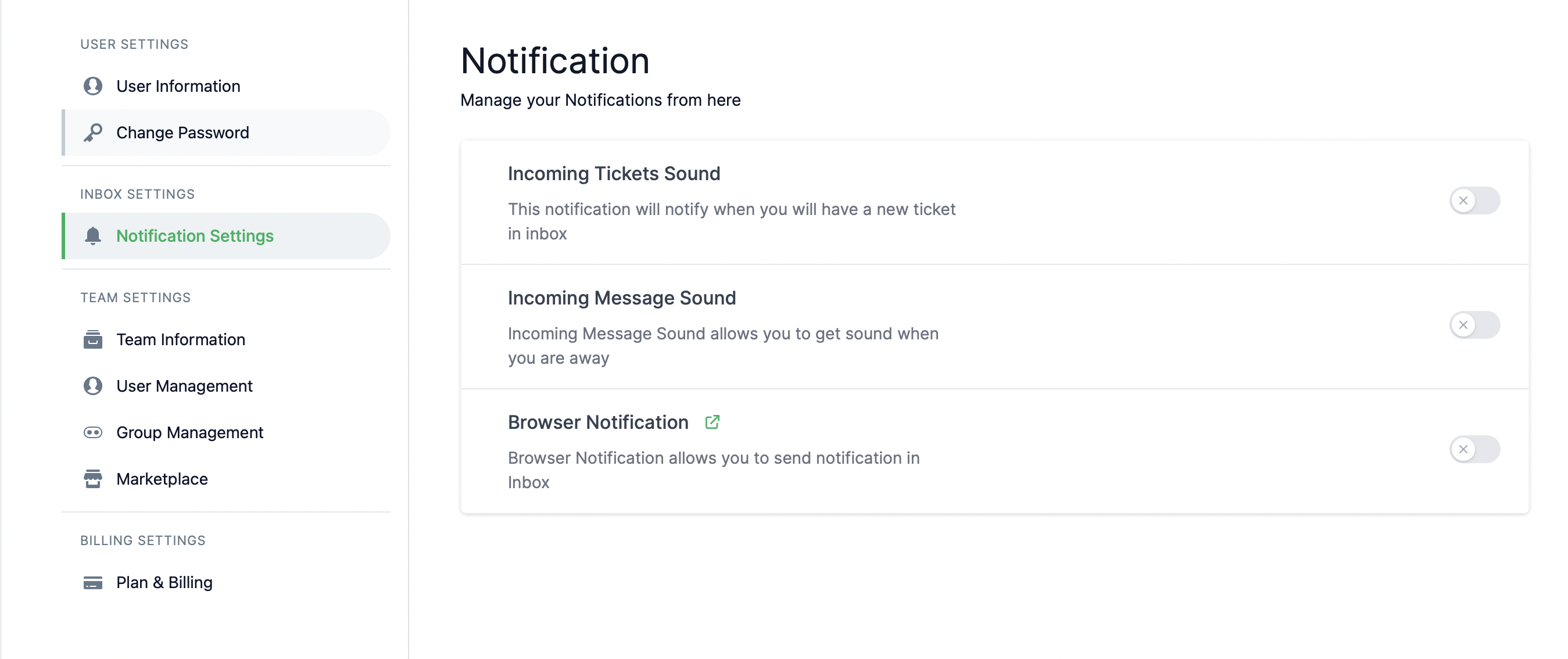
Customize your notification settings for a better user experience.
Depending on your role in the team, you can enable notifications for —
Incoming Tickets
Incoming Messages
Browser Alerts
Go to Settings > Notification Settings to create your custom notification settings.
Message
Ticket
Message
A Message is a customer query coming from every channel.
Ticket
A Ticket means a priority message or a custom query that the bot could not understand and passed to the agent.
Browser Notifications
As of now, only Google Chrome and Mozilla Firefox support browser notifications. If you are on macOS, please enable notifications from your System Preferences.
You need to update your browser permissions to enable Browser Notifications. You can do so from the Privacy and Security settings of your browser.
Also, make sure that you have popChat inbox open in another tab at least.
If your browser does not support the feature, you will find the incoming notifications hidden in your Notification Settings menu.