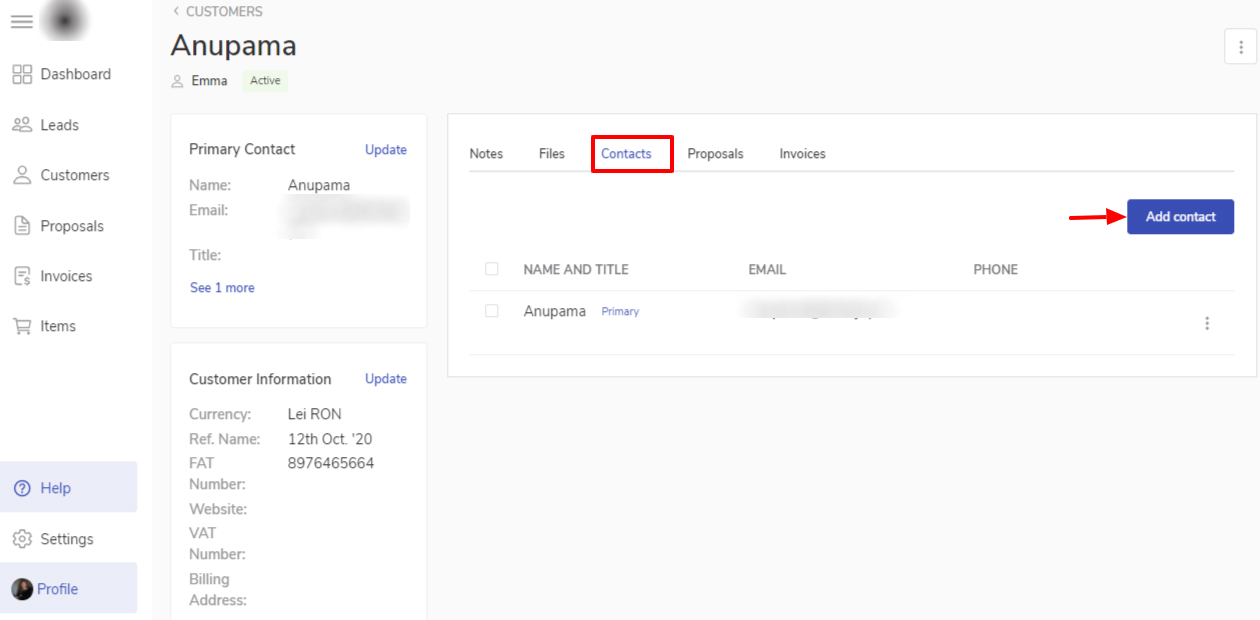
Click on the Client Name to open the client details editing window.
select contacts from the menu and click on Add contact.
On New contact window enter Name, Email, Title and Phone of the contact. If you want the contact added to be the primary contact you can mark the toggle on.
Click on Save
Primary Contact is the main contact for communication for you. It is the main point of contact with which you will have all the communication related to the transactions.