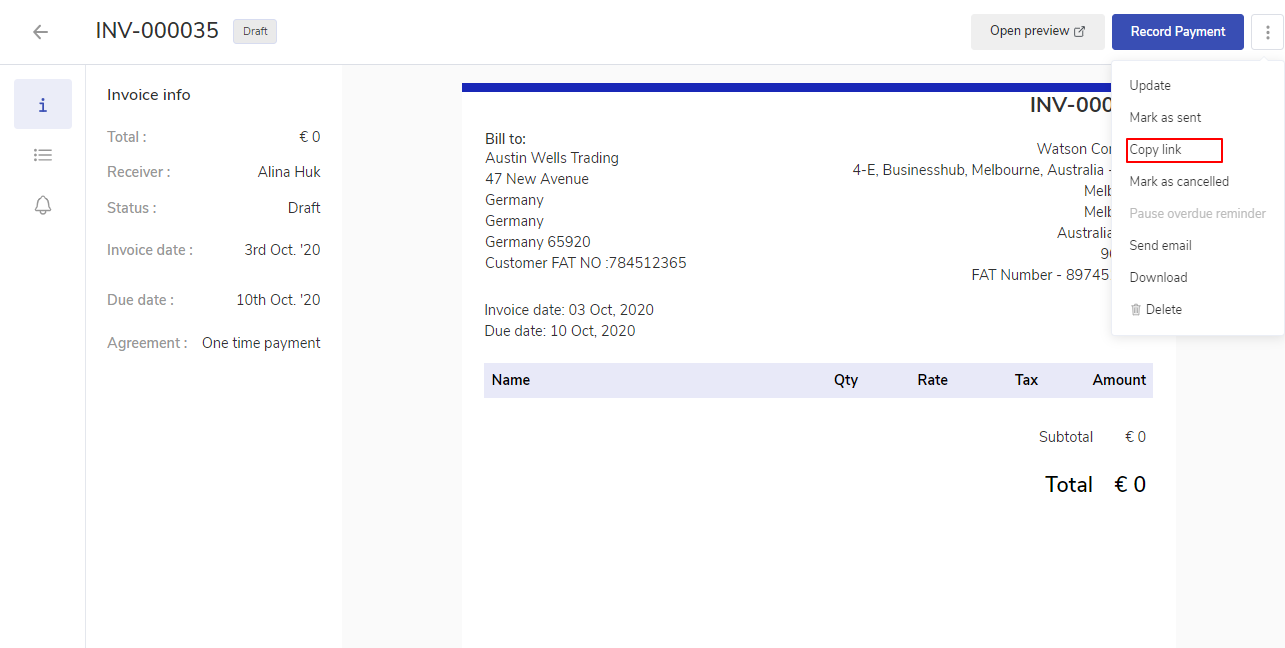
Shareable links of the invoices can be used to share the invoices link to the customer in private chats, SMS,etc.
How to get the shareable links for the Invoice?
From the sidebar, click on Invoices to go to the listing.
Select the invoice from the invoice table list and click on ellipsis icon and from the option list click on Copy link. You can also access this option from the Invoice info page. From the top right corner click on ellipsis icon and select copy link.